Reminders on your schedule
Friendly reminders before and after the due date, sent without anyone pressing send.

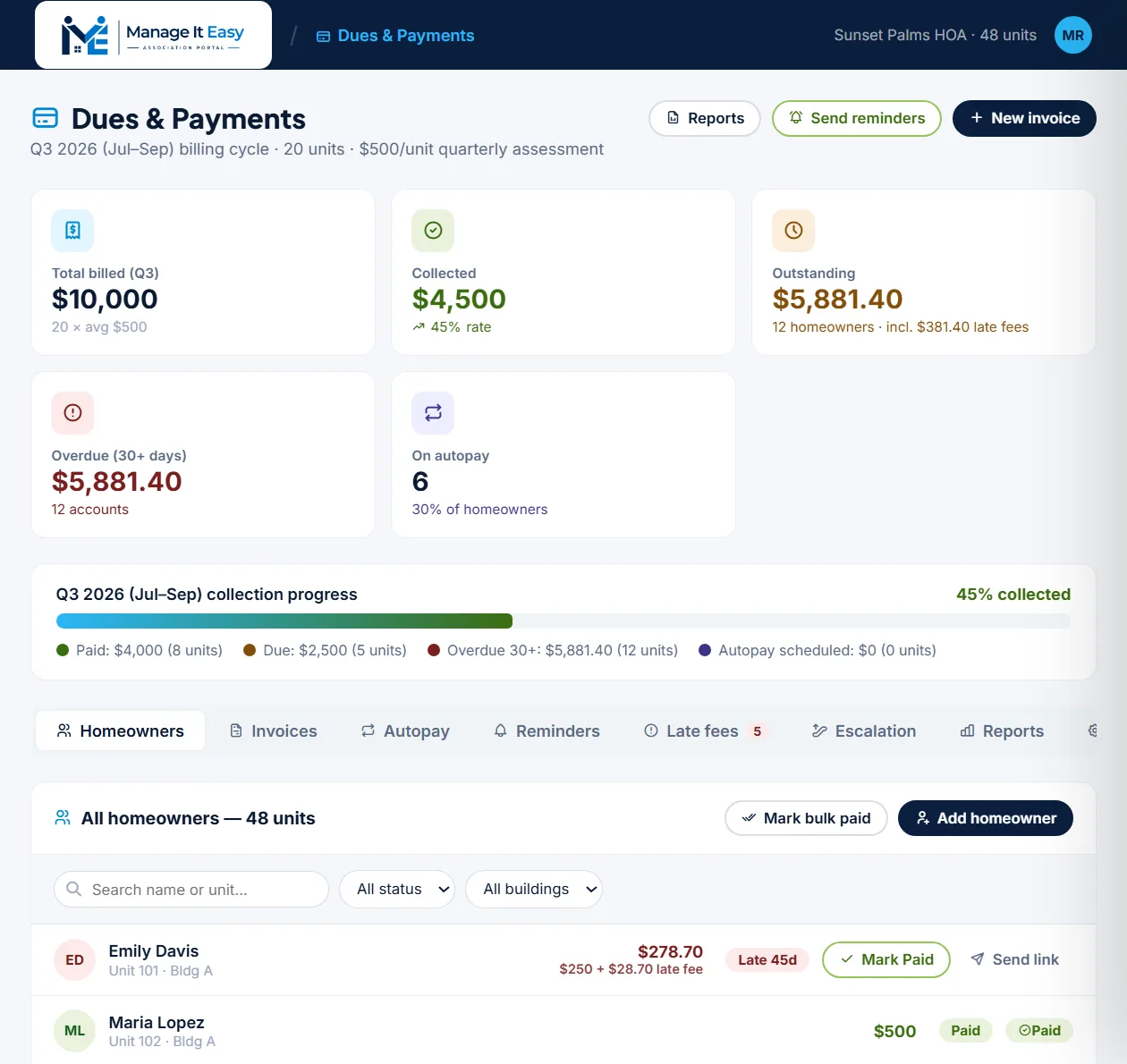
Invoices go out on schedule, reminders reach every owner with a balance, and late fees and interest are added for you. Record a payment in seconds and the ledger, balance and reports update together.
Collecting assessments should not depend on someone remembering to send a text.
Friendly reminders before and after the due date, sent without anyone pressing send.
Late fees and daily interest follow the rules your board sets, itemized for the owner.
Record a check or transfer and the balance, the books and the reports update together.
Everything between billing an assessment and seeing it in the bank, connected to your books.
Owners opt in from their resident portal, and the board sees who is enrolled.
Explore Autopay enrollmentReminders go out before and after the due date, on the schedule you choose.
Explore Scheduled remindersFees and daily interest added automatically and shown line by line.
Explore Late fees and interestRegular and special assessments billed per unit, with a live collection progress bar.
Explore Invoices and billing cyclesAccounts that fall behind move to demand letters, payment plans and liens.
Explore Escalation to collectionsEvery payment you record updates accounting and the owner's balance at the same time.
Explore Posted to the ledgerEnter the amount, due dates, grace period, late fee and interest rate.
Invoices and reminders go out, and owners see their balance in the portal.
Mark checks, cash or transfers paid, one at a time or in bulk, and the ledger updates.
Dues collection software replaces reminder texts and spreadsheets with a simple routine: the association bills each unit, reminders and late fees follow your rules, and every payment is recorded in one ledger.
Each owner sees their balance in the resident portal, with the assessment, interest and late fees itemized, and can opt in to autopay. Fewer questions reach the board because the answer is already on screen.
Late accounts follow a documented escalation path in Collections and Liens: reminders, demand letters, payment plans and, if needed, liens. Every step is logged, so the board can show it treated every owner the same way.
Because every payment you record posts to the ledger, HOA accounting stays current without double entry, and collection reports are ready for each board meeting.
Every module, your real association, 30 days free. No credit card needed.